Quchu for iPhone
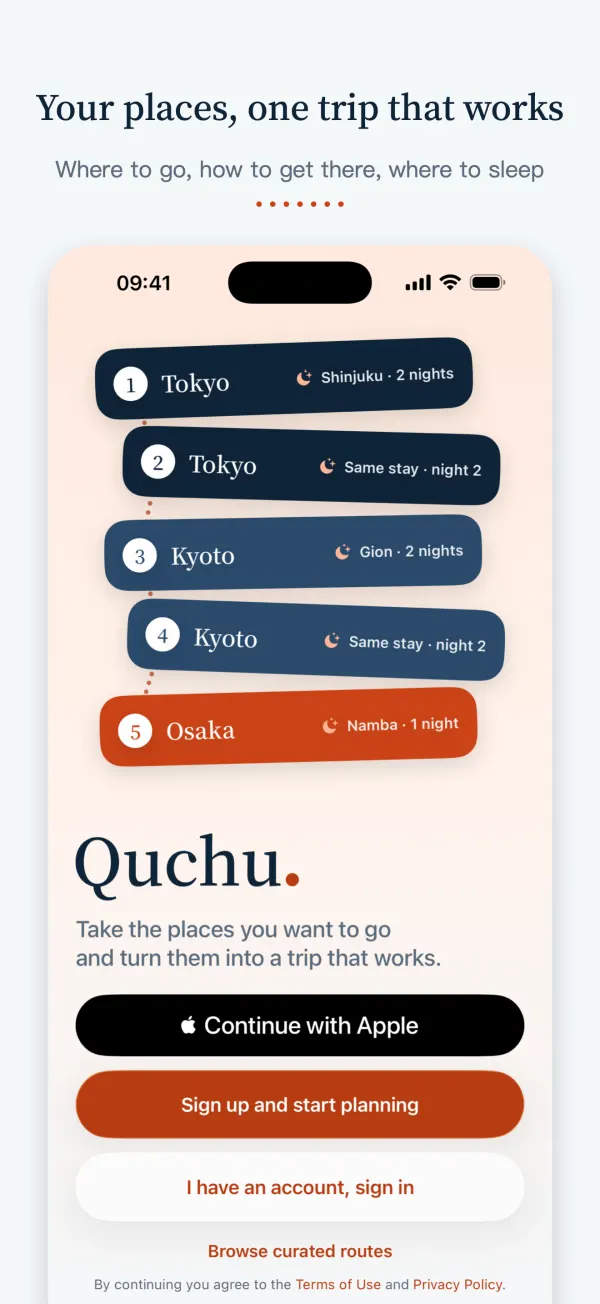
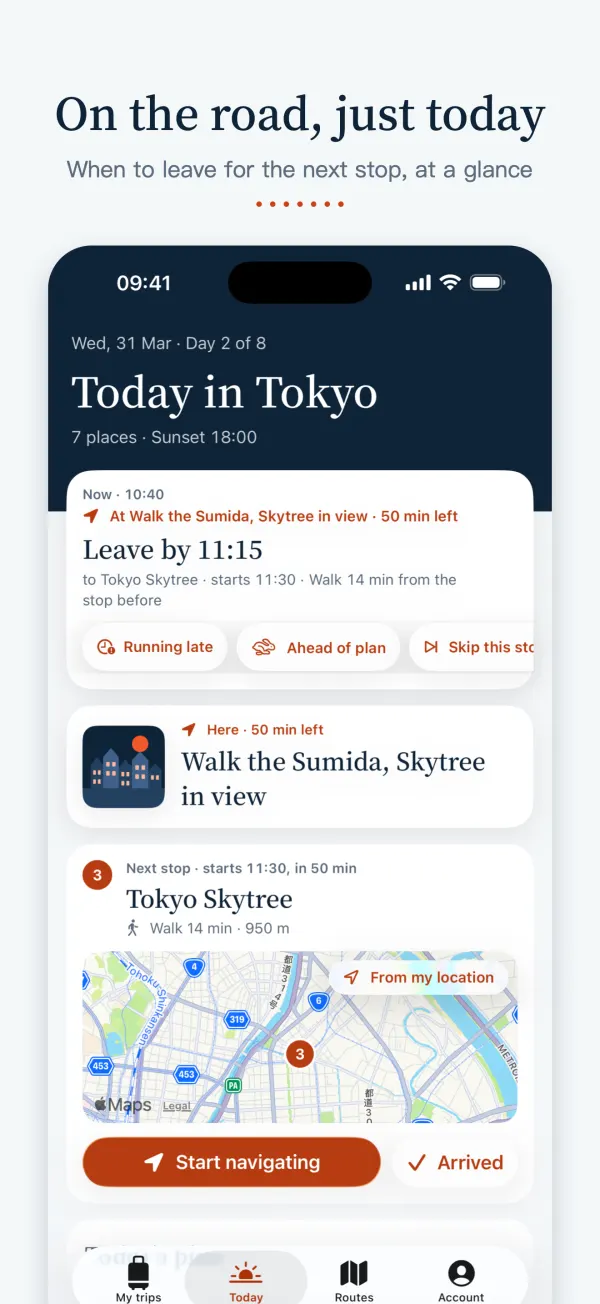
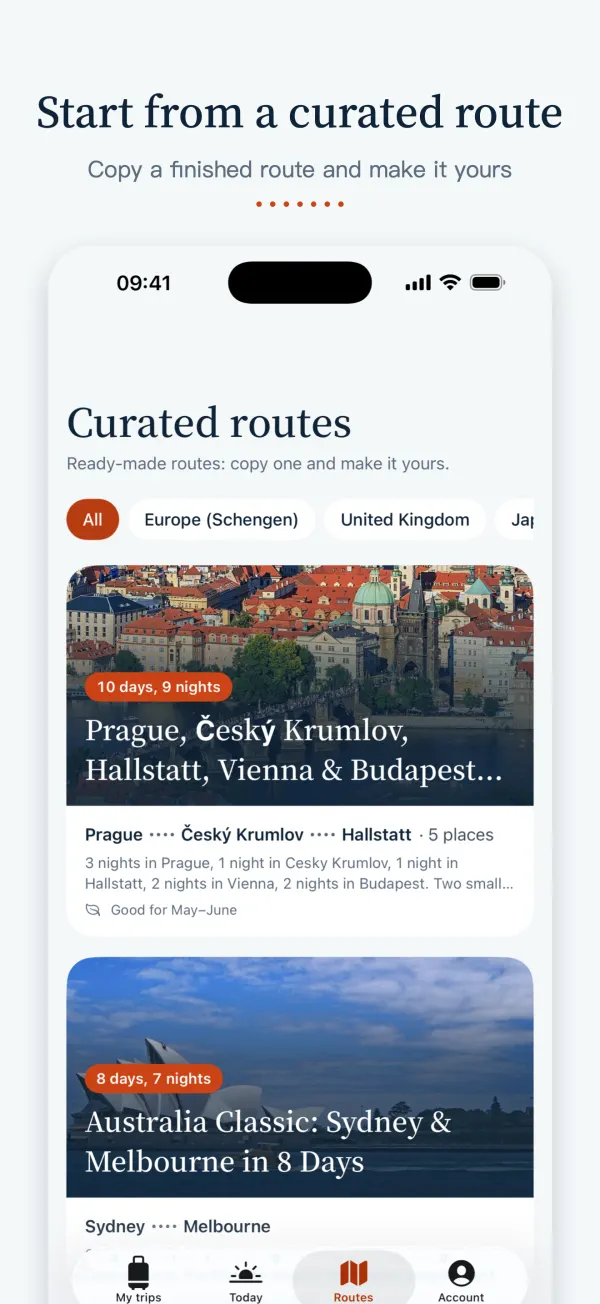
Let AI draft your trip or copy a curated route. Each day sits on a map in an order that works, with how to get from stop to stop. On the road, Today shows the next stop.
Free · Requires iOS 26 or later · English, Simplified Chinese and Traditional Chinese. Not yet on the mainland China App Store.
What you can do in the app
Start a trip
- Three ways in: add places yourself, let AI draft a first version, or copy a curated route
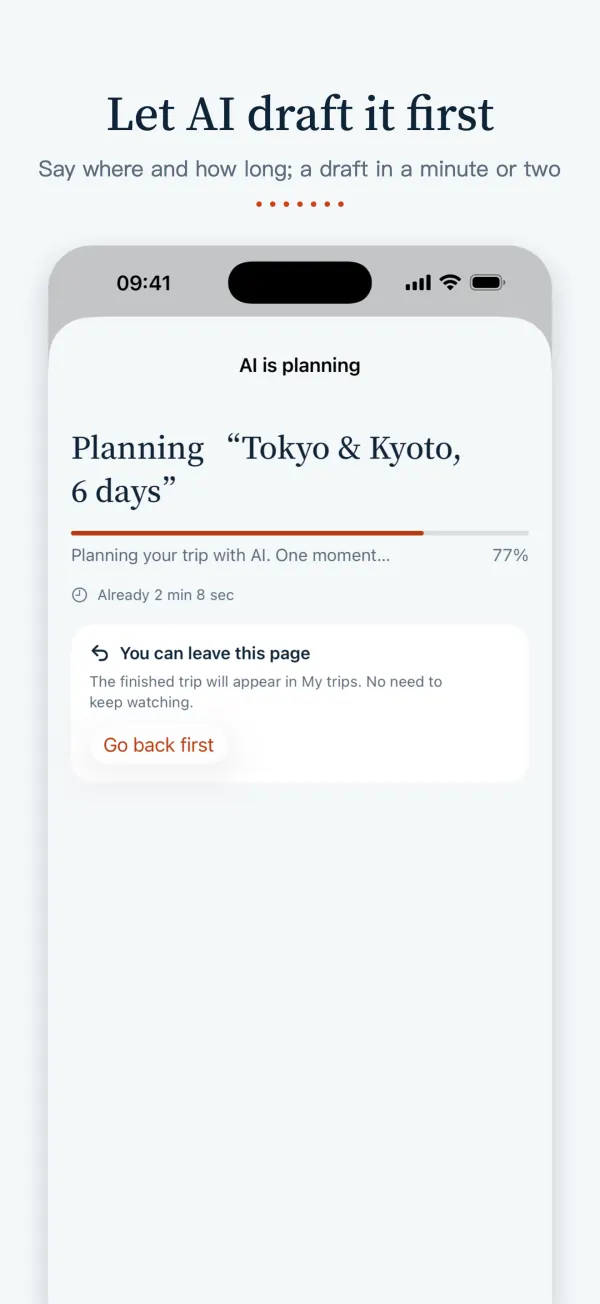
- AI plans sights, meals and stays day by day and avoids closing days
- Flights already booked? Screenshot the booking and the flights are read for you
Get each day in order
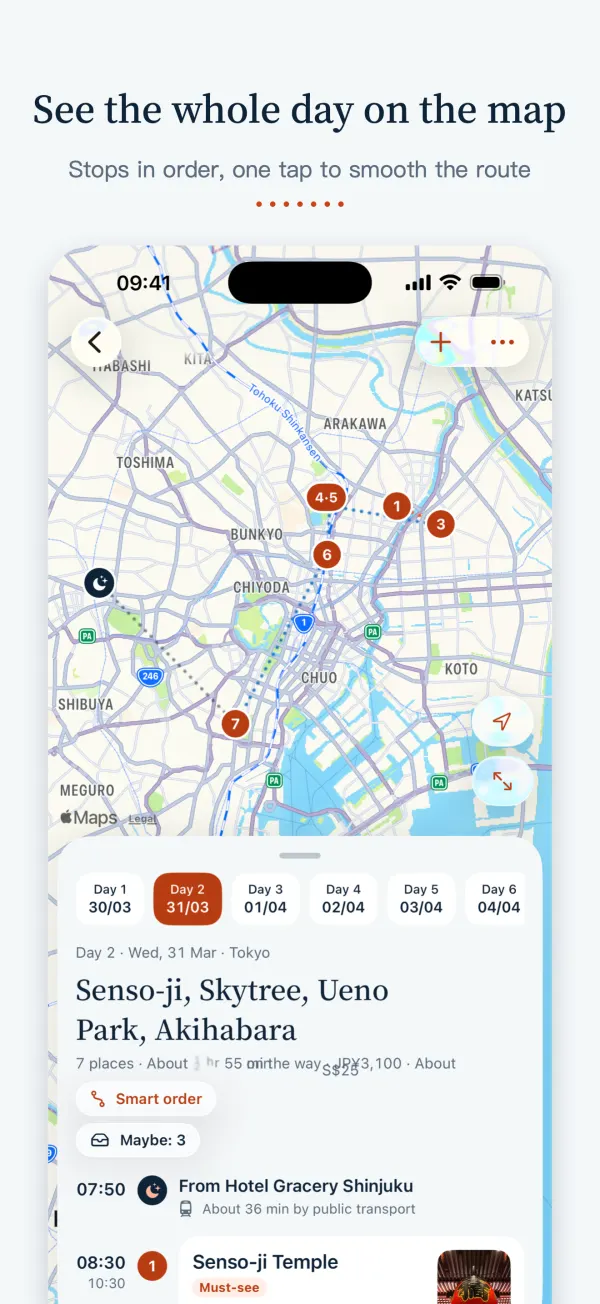
- Each day is drawn on a map in order, and every leg says how to get there and how long it takes
- Smart order puts a day in a better order
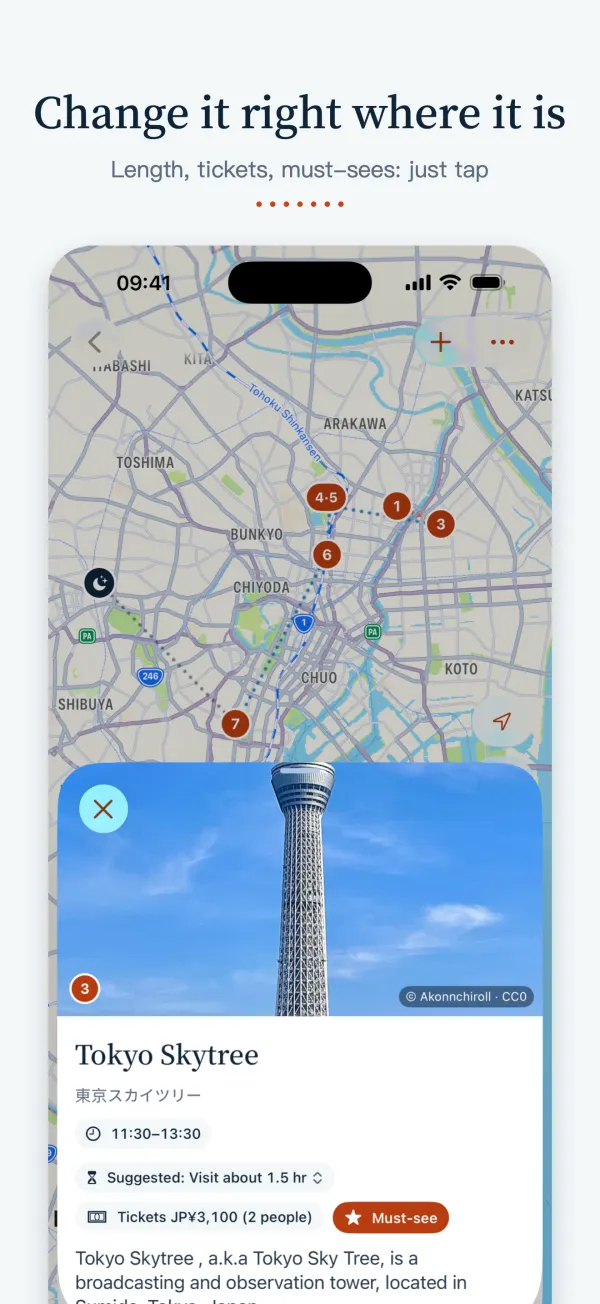
- Tap a time to change it and the rest of the day moves with it; hold and drag to reorder
Every night
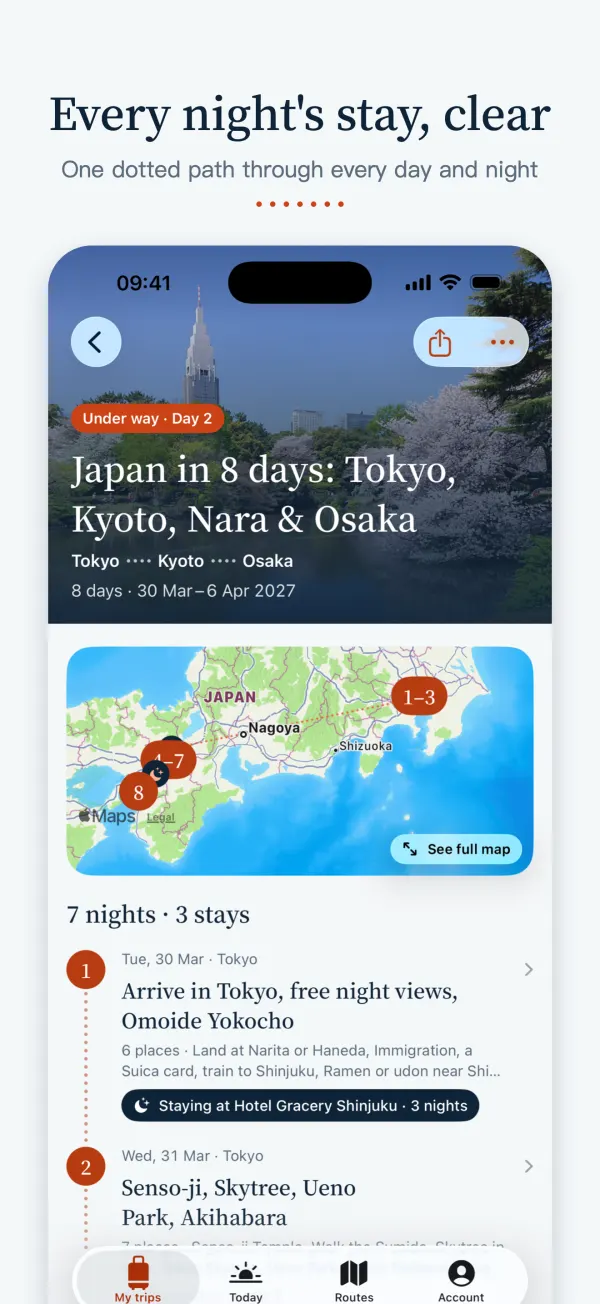
- Every day says where you sleep tonight and which night of the stay it is
- Nights with nowhere booked are flagged, with booking-site searches for those dates one tap away
On the road
- Today shows only today: the next stop, how to get there, when to leave
- A Live Activity on the Lock Screen and Home Screen widgets
- Trips you've opened stay readable offline, photos included
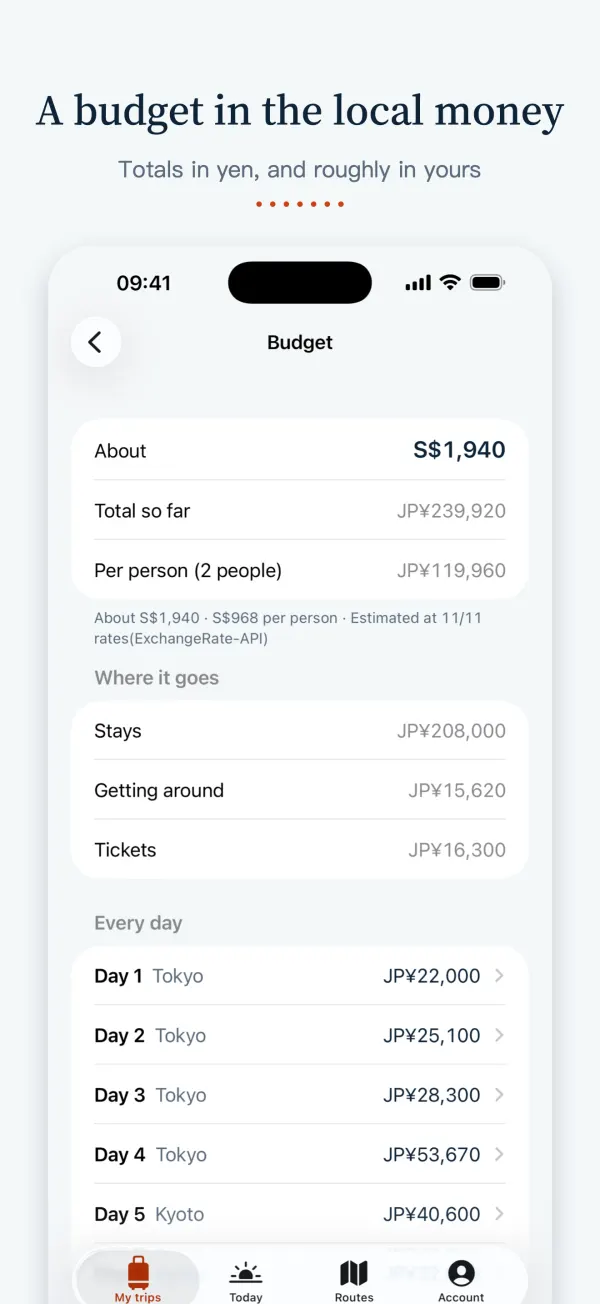
Before you first use an AI feature, the app tells you what is sent and to whom (DeepSeek), and only goes ahead if you agree. Documents and budgets are planning references: confirm opening hours, prices and transport before you go.
Questions
- Does it cost anything?
- No. It's free, with no in-app purchases, ads or subscriptions.
- Is it in English?
- Yes. The app is in English, Simplified Chinese and Traditional Chinese, and follows your iPhone's language.
- Where can I download it?
- On the App Store outside mainland China, including Singapore, Malaysia, Hong Kong, Macau and Taiwan. It isn't on the mainland China App Store yet.
- How does it work with the website?
- Same account, same trips. A trip planned on paixc.com opens in the app when you sign in with the same account, and the other way round.
- Is there an Android version?
- Not yet, only iPhone. On Android or a computer, use the planner on this website: it does the same things.